Most transcription apps upload your audio to a server to process it. If you are recording anything sensitive, a doctor’s visit, an interview, a private voice note, a business call, that is a hard no for me. So I built Private Transcribe: speech-to-text powered by Whisper, running entirely on your device. The audio never leaves your phone. Here is how it came together, and why one promise shaped every technical decision along the way.
The problem with “free” transcription #
Online transcription is rarely free in the way that counts. You pay with your audio. It gets uploaded, processed on someone’s servers, and often retained, sometimes to train the next version of their model. For a casual voice memo, fine, maybe you do not care. For anything confidential, you should, because the moment audio leaves your device you have lost control of it for good.
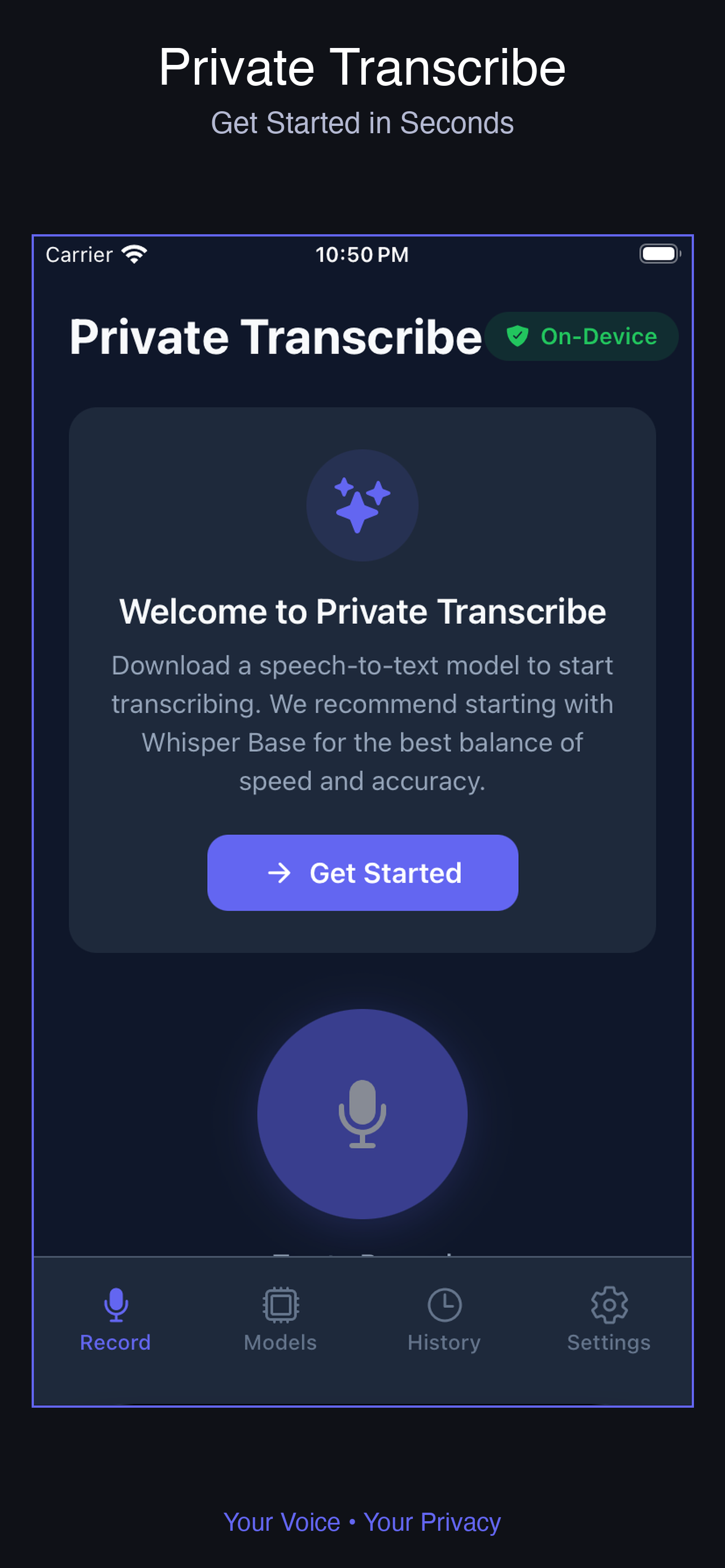
The promise I wanted to make and keep was plain: your audio never leaves your phone, and the app never uploads your recordings or transcriptions anywhere. You can only say that with a straight face if the app has no server in the loop at all. So it does not. Here, the missing backend is not a limitation you apologize for. It is the whole point of the app.
Whisper on a phone #
The thing that makes this possible is Whisper, the open speech model that is startlingly good across languages. Private Transcribe covers 99+ languages through multilingual models, which is a feature you could never offer cheaply if every minute of audio had to round-trip through your own servers. On the device, languages are free.
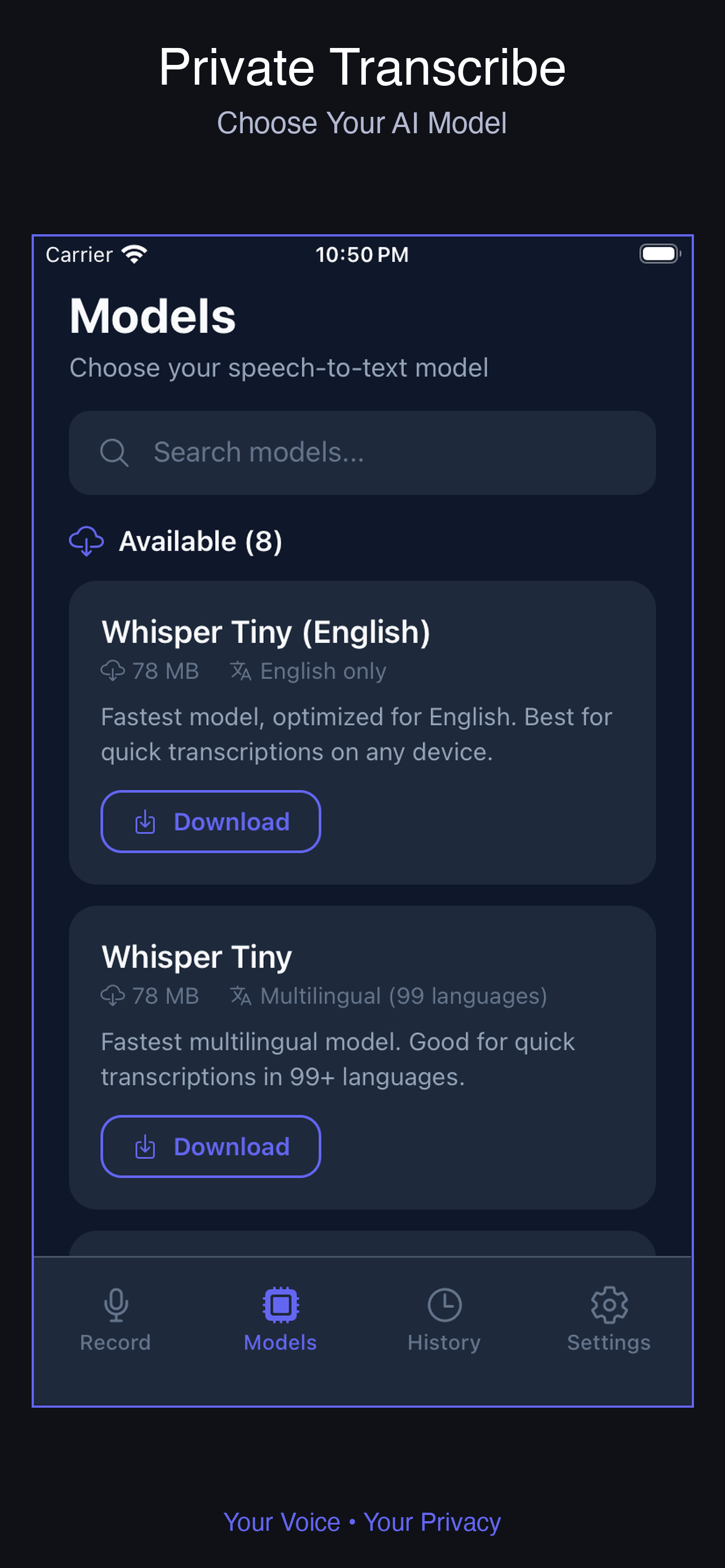
The engineering problem, as with any on-device AI, is fitting a capable model onto a phone without setting it on fire. Whisper ships in sizes, and the size you pick is a straight trade between speed, accuracy, and storage. Rather than choose for the user, I put that decision in their hands as a quality tier:
- Tiny (75 MB): fastest, fine for quick notes where rough accuracy is enough.
- Base (142 MB): a balanced default that suits most people.
- Small (466 MB): clearly better for recordings that matter.
- Medium (1.5 GB): professional-grade accuracy for when it really counts.
Someone on an older phone who wants speed grabs Tiny. Someone transcribing a crucial interview on a newer device picks Medium and waits a bit longer for a cleaner result. Handing users the dial, with a sensible default already chosen, beats pretending one size fits everyone. People know their own situation better than I ever could from the other side of a screen.
The app is the part around the model #
The model is the engine. The app is everything wrapped around it, and that wrapper is where most of the product work lives:
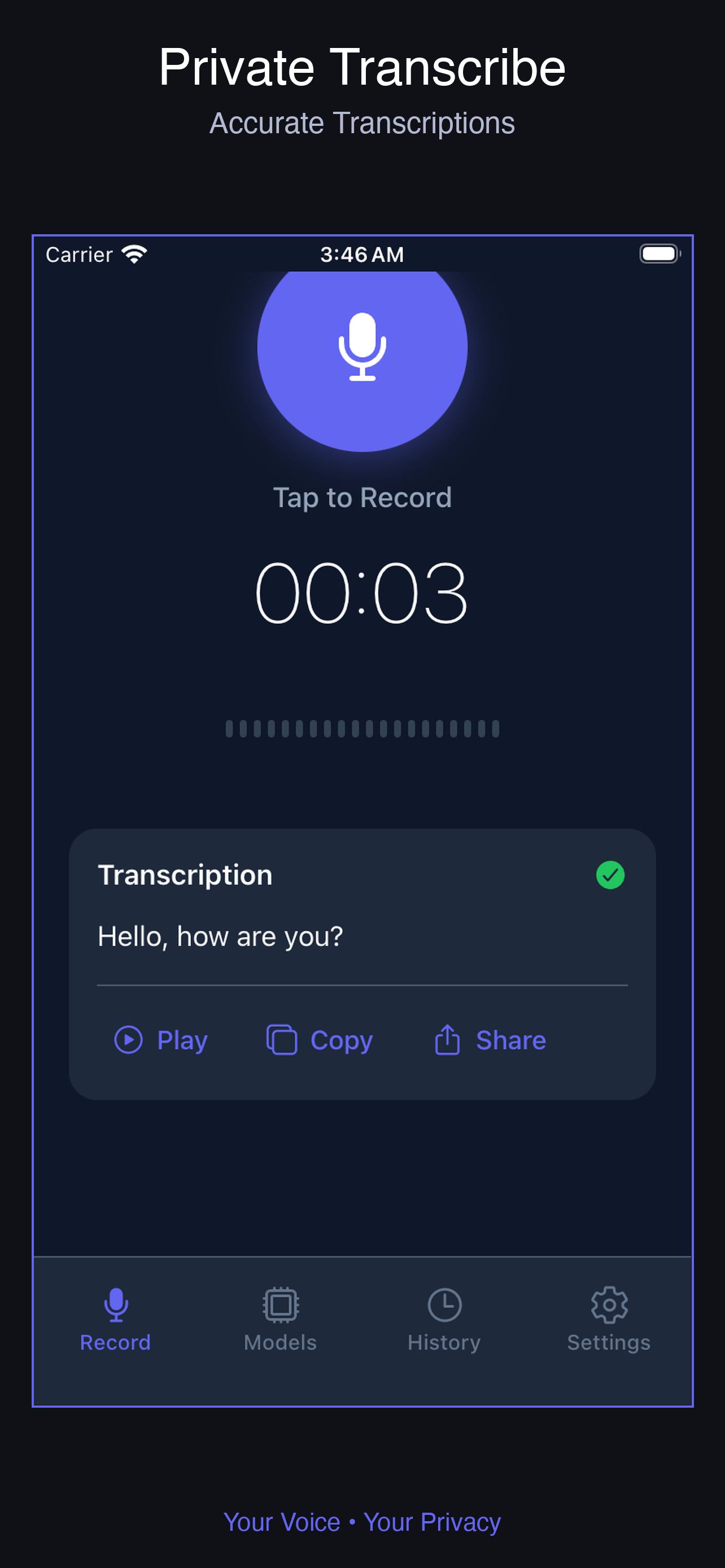
- Tap to record with real-time progress, so transcription feels alive instead of like staring into a black box hoping something is happening.
- Local storage of every transcription, with search, so you can find that note from three weeks ago without scrolling to the end of time.
- Sharing for the moments you do want a transcript to leave, on your terms, by a deliberate tap, never on its own.
- A calm dark interface that is easy on the eyes over long blocks of text.
A surprising share of “AI app” work is precisely this unglamorous plumbing: making the model’s output findable, usable, and trustworthy. The intelligence is table stakes now. The product is the wrapper, and a brilliant model behind a miserable interface is a brilliant model nobody opens twice.
The unglamorous edges #
Real recordings are a mess. People pause, ramble, and record for forty minutes straight. A toy demo transcribes ten clean seconds. A real app has to chew through long audio without running the phone out of memory, show honest progress on a file that takes a while, and never lose a transcription because the app slipped into the background. None of that is exciting to build, and all of it is the gap between a demo and something people trust with their week.
Where vibe coding fit #
The AI assistant was a real force multiplier on the surrounding app: the recording screen, the progress UI, the local database with search, the download and storage management, the share flow. That is well-trodden ground it could scaffold quickly, which freed me up for the parts that mattered.
What stayed on me was the careful work: running Whisper efficiently on the device, handling long recordings without choking on memory, and, above all, making sure the privacy promise held end to end, with no sneaky analytics call quietly shipping audio off the phone. When your entire pitch is privacy, the privacy has to be real, and that is the kind of thing you verify by reading every line yourself instead of trusting whatever the assistant generated.
Why on-device was worth the extra pain #
Building this on the device was harder than gluing together a cloud API would have been. There was no shortcut, no someone-else’s-server to quietly hand the difficult part to. That difficulty is the moat. Anyone can wrap a transcription API in a weekend, and a thousand people already have, which is why those apps all blur into one. Almost nobody ships something that truly keeps your audio on your phone, because it is more work and there is no per-minute usage to bill at the end. The hard path turned out to be the defensible one, and the privacy that came with it is the reason someone picks this app over the dozen cloud clones ranked above it in search.
Lessons #
- Privacy is a feature you can build a whole product around, but only if you mean it in the architecture. “On-device” is a promise you earn in the code, not a badge you paste on the listing.
- Expose the real trade-off. Speed versus accuracy is personal, so let users pick their tier instead of deciding for them.
- The wrapper is the product. Search, storage, sharing, and a quiet interface are what turn a model into something people reach for daily.
Private Transcribe follows a pattern in the things I build: take an AI capability everyone assumes needs the cloud, and show it can run privately in your pocket. I did the same for chat in how I built an offline AI chat app, and for something lighter I went the other way entirely with a capybara arcade game.