Every mainstream AI chat app ships your conversations off to someone’s server. I wanted the opposite: a model that runs on your phone, messages that never leave the device, no login, no subscription. That app became Personal LLM, and getting a language model to behave itself on a phone was the most interesting engineering problem I have taken on alone.
The itch #
Three things kept bugging me about the mainstream AI apps I was using.
- Privacy. Everything you type goes to a server, and often into training data.
- Connectivity. On a plane or with one bar of signal, they are dead weight.
- Cost. Another $10 to $20 a month for something I use in unpredictable bursts.
Meanwhile, on-device models had quietly gotten good. Good enough that I started to wonder what it would take to make all three complaints disappear at once. An AI that just lived on your phone, the way a calculator does, no strings attached. The idea nagged at me for weeks, so I gave in and built it.
The hard part: a language model on a phone #
This is the point where the project stops being a UI exercise and turns into a systems problem. A phone is not a server, and its limits shape every decision you make.
- Memory. A phone might have 4 to 8GB of RAM, and it is sharing that with the operating system and every other app. A model that loads fine on a laptop gets killed on a phone without ceremony. The OOM killer does not negotiate. That constraint alone rules out most models before you start.
- Model size on disk. Nobody is going to sit through a 20GB download. Realistically you have a few hundred MB to a few GB to work with.
- Speed. Tokens per second has to feel like a conversation. If it prints like a fax machine, people close the app and never reopen it.
- Heat and battery. Push the processor flat out and the phone turns into a hand warmer and the battery evaporates. The work has to be efficient, not merely possible.
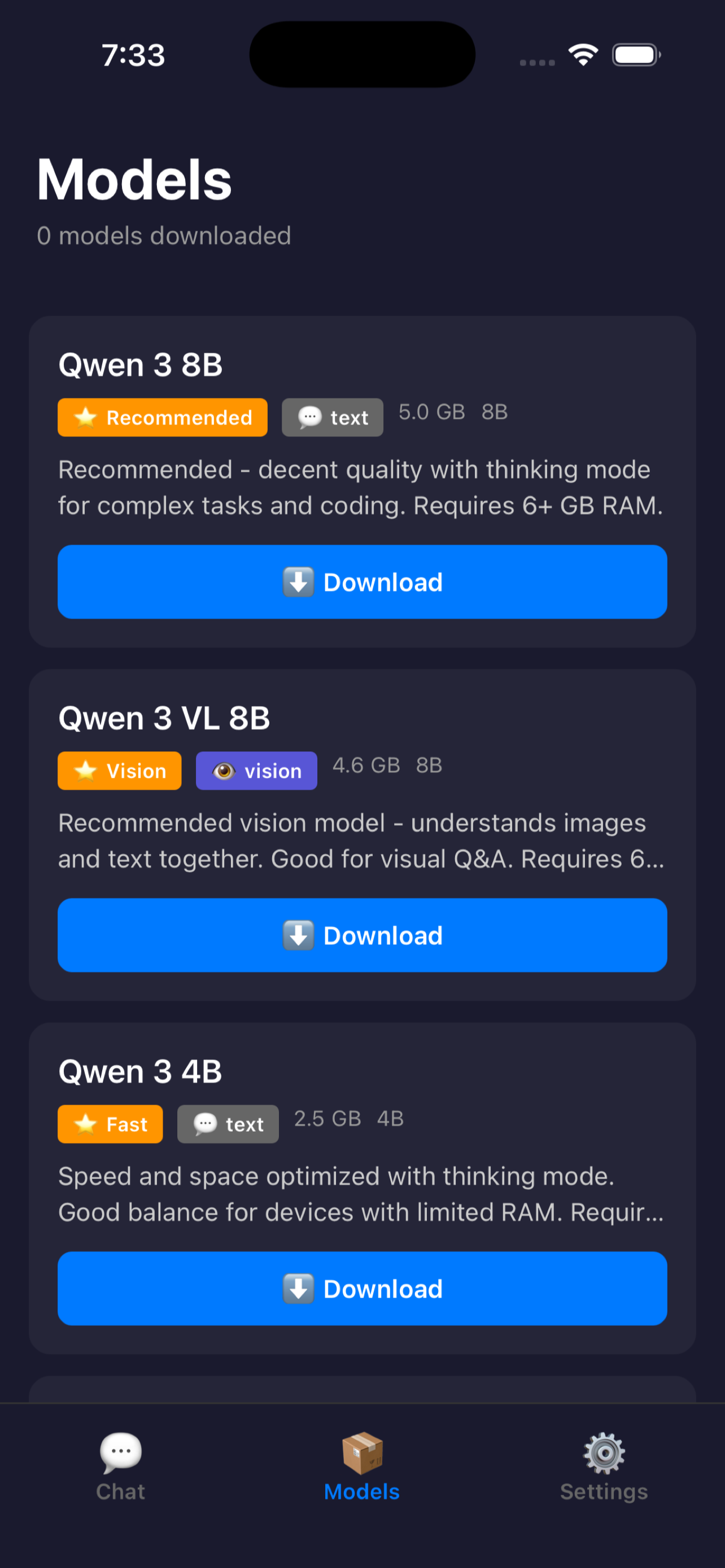
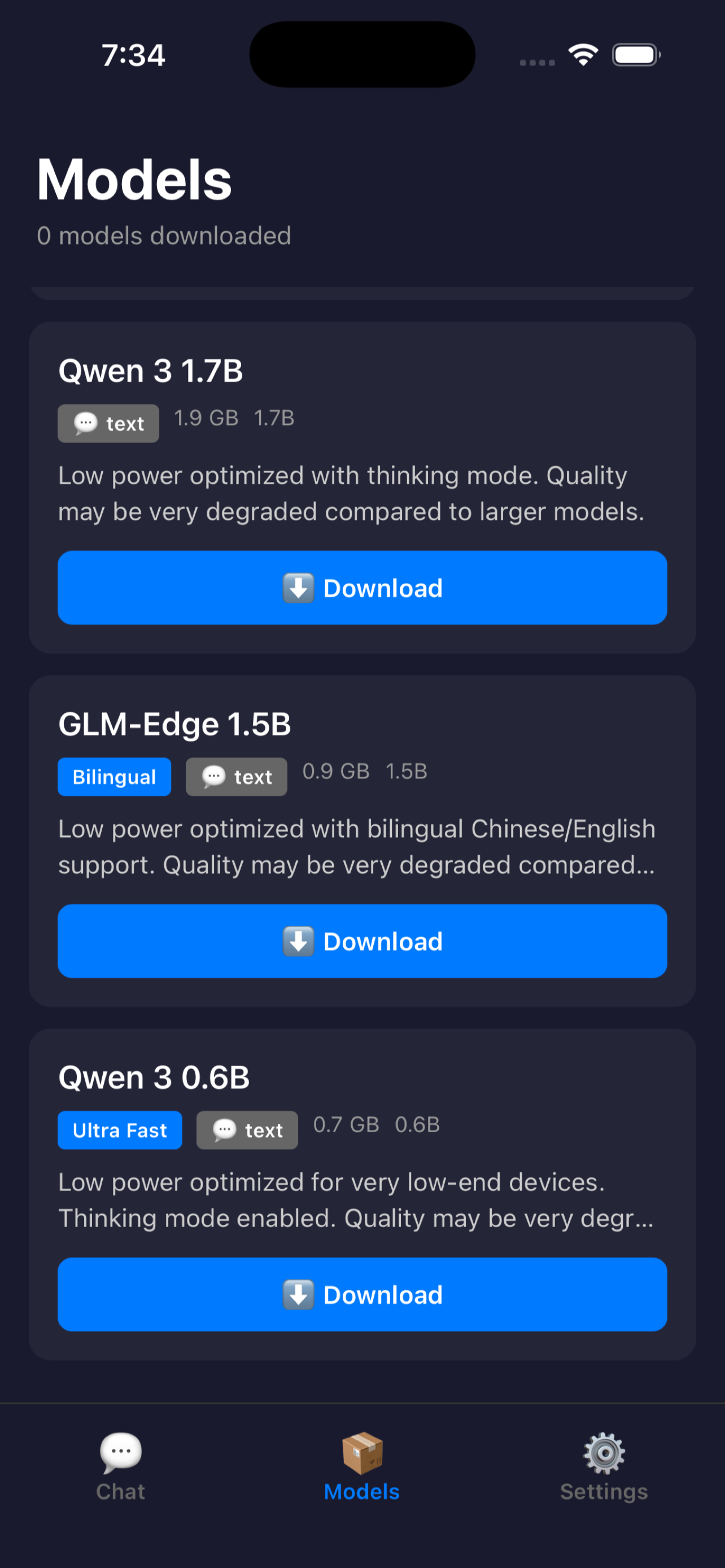
The thing that makes any of it work is small, quantized models. Quantization stores a model’s weights at lower precision, trading a little quality for a big drop in size and memory. I built around Qwen 3, from tiny 0.6B variants up to larger ones, plus GLM-Edge, including the vision-capable versions, with downloads landing somewhere between 500MB and 4GB. You pick a model that fits your device, download it once, and after that it runs offline.
There is a trade-off you have to make peace with, and be upfront with users about. A 1B model running on a phone is not a frontier model in the cloud. It will not write your dissertation. For quick questions, drafting, summarizing, brainstorming, rewriting, and anything at 30,000 feet, it earns its keep, and it is yours. Saying that plainly inside the app beats overpromising and losing someone on their first message.
Give users the dials, but hide them well #
People want different behavior from a model, so I exposed the controls that matter: temperature, top-k, and top-p for shaping how loose or focused the output is, plus a “thinking” mode against a “fast” mode for when you want reasoning versus a quick reply. The danger with surfacing model internals is drowning a casual user in knobs they did not ask for. So the rule was simple: every control ships with a good default, and you can get a solid answer without ever opening the settings. Tinkerers get their sliders. Everyone else gets something that works out of the box.
Where vibe coding carried me #
I am one person. There was no way to ship this typing every line myself. The AI assistant took the parts that are tedious but well understood:
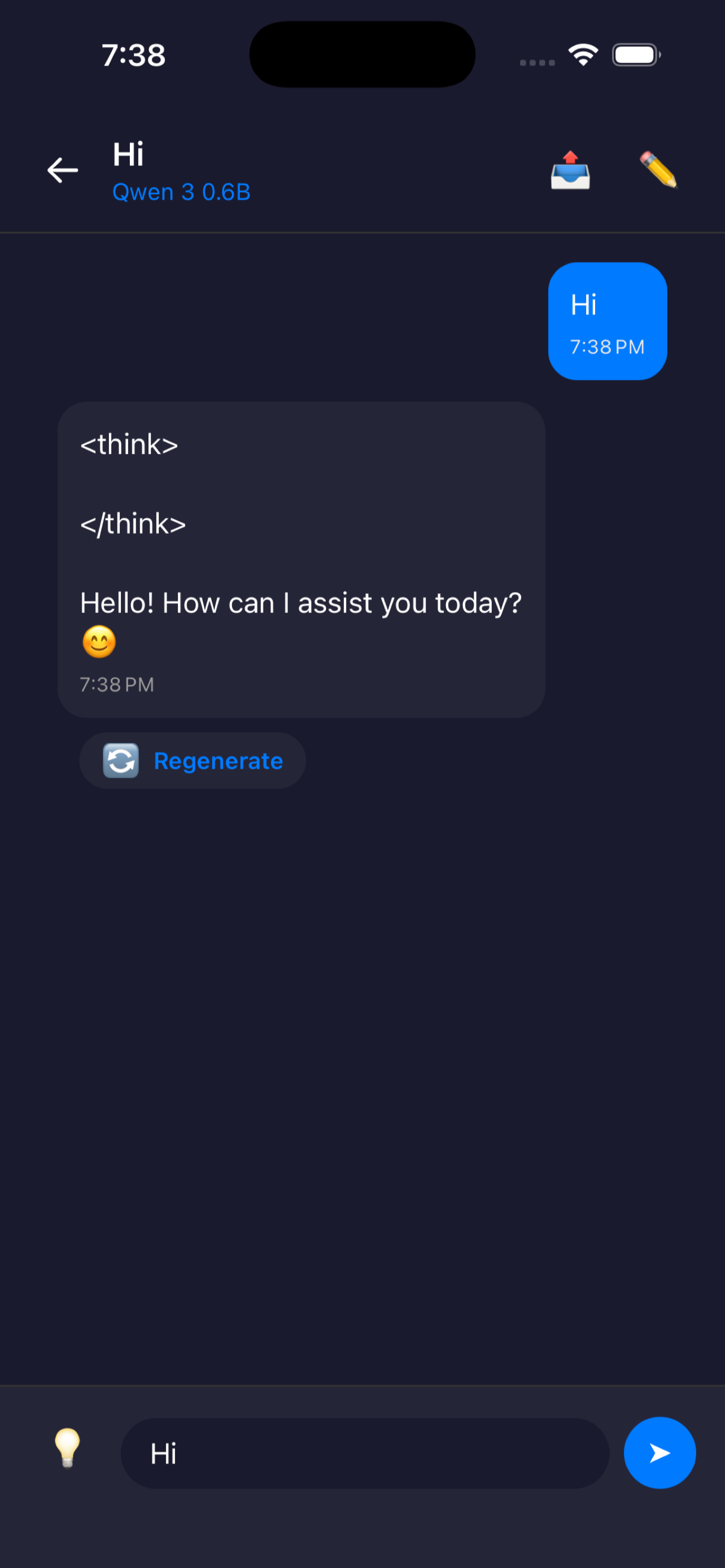
- The chat UI: message bubbles, streaming tokens, scroll behavior, the copy button, the empty state.
- The model download manager: progress, resume after a dropped connection, storage checks, deletion to reclaim space.
- The settings layer: putting temperature, top-k, top-p, and the mode toggles somewhere a normal person can safely ignore.
What stayed on me was the hard 20 percent: wiring up on-device inference, managing memory so the app does not get killed halfway through a reply, and tuning the defaults so a non-technical person gets a good answer without touching a slider. The AI does the boilerplate, you own the load-bearing parts. That division between what the AI drafts and what I own by hand is the thing that makes the whole approach work.
Product decisions that mattered #
- One download, then offline forever. The only friction is that first model download. After that, no network, no waiting.
- No account. An account is a privacy promise you can break. With none, there is nothing to leak, nothing to breach, nothing to log into.
- Defaults first, depth optional. Casual users get a model that answers. Power users get the sampling controls. Neither group pays for the other.
- Free. No servers means no costs to recover, which means no subscription, no billing, no churn to manage.
What I would tell another builder #
On-device AI feels like magic to people because they assume it cannot be done. “You can run that on a phone?” That gap between what people expect and what you shipped is a wonderful place to stand, because the surprise does your marketing for you. Just respect the constraints. Match models to device tiers, be honest about what a small model can and cannot do, and spend your scarce hand-written hours on memory and performance, not on the parts an assistant can scaffold before lunch.
What I ended up with is an app I reach for myself, on planes, on the subway, any time I would rather not hand my private thoughts to a server. That is the bar I care about: would I use this if I had not made it. Privacy-first building turned into a whole theme after this one, and I followed the same thread into an offline speech-to-text app.